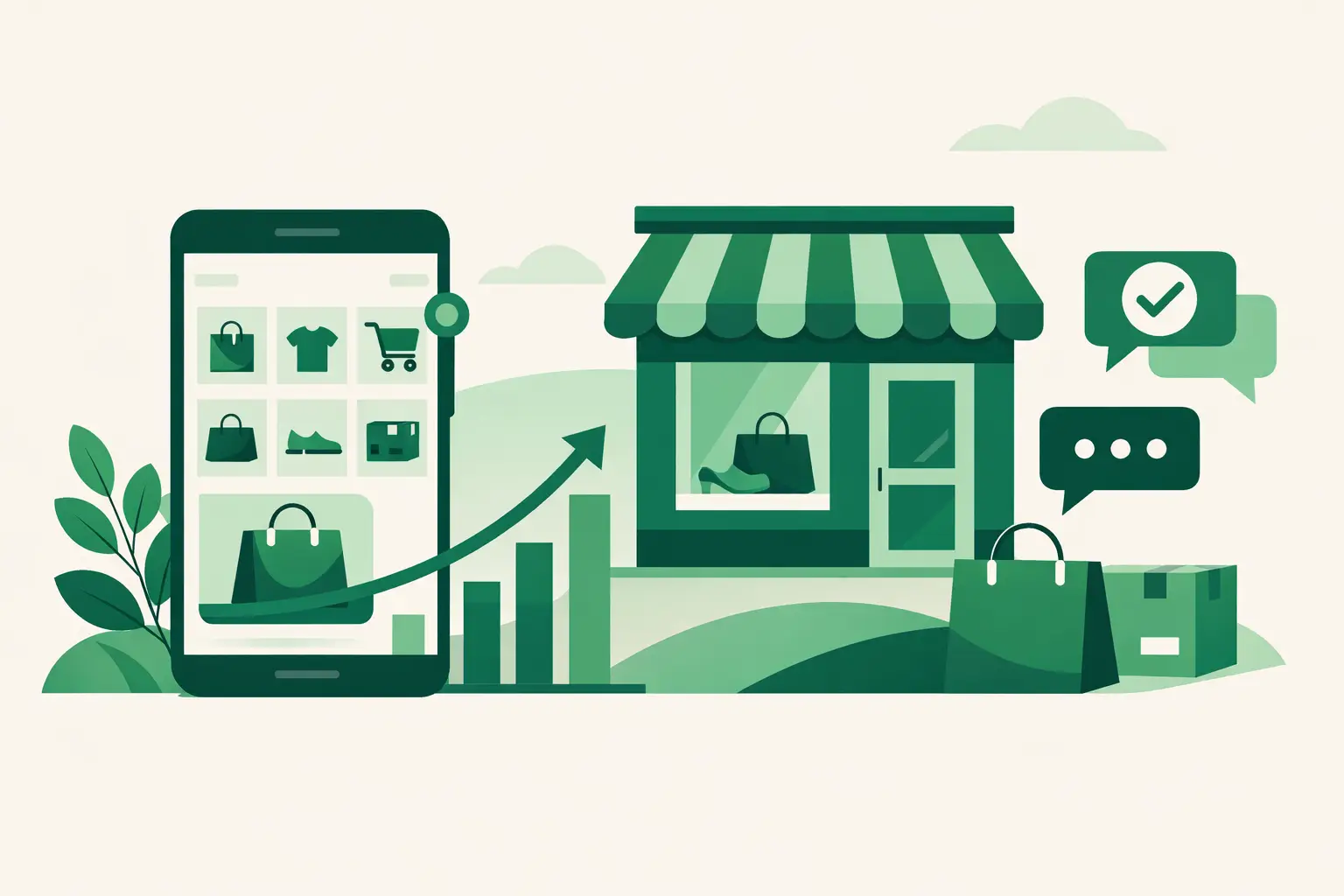
Why a Mobile Store Management App Matters
July 6, 2026
You probably do not lose sales because your products are not good enough. More often, you lose them in the gap between an Instagram post and an actual order. A customer asks for the price in DMs, another wants a size check, someone else says they are ready to buy but disappears when the process gets messy. A mobile store management app helps close that gap by giving you one place to manage products, orders, and store updates from your phone.
If you run your business from Instagram, your phone is already your main workspace. That is why desktop-first tools can feel like extra work instead of real help. You do not need a complicated back office. You need a faster way to show products clearly, keep your orders organized, and stay on top of what is selling without getting buried in messages.
What a mobile store management app should actually do
A lot of tools sound useful until you try to use them during a busy day. For social sellers, the basics matter most. Can you update product details quickly? Can you check incoming orders without hunting through chats? Can you mark what is available and what is sold out before someone orders the wrong item?
A good mobile store management app makes those everyday jobs simple. You should be able to add products, edit prices, upload photos, manage variants like size or color, and keep stock counts current from the same device you already use for Instagram. It should also help you review orders in a clear flow, so you are not switching between notes, screenshots, and DMs trying to remember who ordered what.
That may sound small, but for a solo seller, small improvements are what create breathing room. Saving a few minutes on every order adds up fast.
Why Instagram selling gets messy so fast
Instagram is great at helping people discover your brand. It is not great at organizing your operations. Posts and stories create interest, but once customers start asking questions, everything moves into conversations. That works when you are getting a handful of orders a week. It gets stressful when several customers message at once, ask for different products, or come back after a few days expecting you to remember the details.
The problem is not just volume. It is structure. Instagram DMs are built for chatting, not running a store. Product information gets repeated over and over. Orders are easy to miss. It becomes hard to tell the difference between someone browsing and someone ready to buy.
A mobile-first store setup brings structure without forcing you into a heavy ecommerce system. Customers browse products in one place, place their order through the storefront, and then continue the conversation on WhatsApp for confirmation and follow-up. That keeps the buying process clearer for them and easier to manage for you.
The real benefit is not convenience. It is control.
Convenience matters, but the bigger win is control. When your store is organized on mobile, you stop running your business from memory.
You can see which products are live, which ones need updates, and which orders are still pending. You are less likely to quote the wrong price or forget to reply to someone who already placed an order. You also look more professional, because customers are not waiting while you search through old chats.
This matters even more if your business is growing from side hustle to something bigger. At the beginning, you can hold a lot in your head. Later, that becomes risky. The more orders you get, the more expensive small mistakes become.
Signs you need a better mobile store setup
You do not need to wait until things feel completely out of control. Usually, the signs show up early.
If customers often ask the same basic questions, your product presentation is probably doing too much work inside DMs. If you frequently check old messages to confirm sizes, prices, or delivery details, your order flow is too scattered. If you hesitate to post more because you are already struggling to keep up, your current setup is slowing your growth.
A mobile store management app helps most when your sales are starting to pick up but you are still handling everything yourself. That is the stage where simple systems have the biggest impact.
What to look for in a mobile store management app
Not every seller needs the same features. If you sell a few made-to-order items, your needs are different from someone managing many variants across a busy catalog. Still, a few things are worth looking for.
First, it should be easy to use from your phone. That sounds obvious, but some platforms technically work on mobile while still feeling designed for a laptop. You should not need to zoom in, open ten tabs, or wait until you get home to make a basic update.
Second, product management should be straightforward. You want to upload photos, write descriptions, set pricing, and organize variants without friction. If updating one item feels annoying, you will put it off, and outdated product information creates sales problems fast.
Third, the app should support the way social commerce actually works. That means helping customers move from discovery to browsing to ordering without bouncing through a confusing path. For many Instagram sellers, the best flow is a simple storefront linked from social content, followed by direct communication after the order is placed.
Fourth, visibility matters. Even if you are a team of one, you still need to know what is happening in your business. Basic analytics, order status tracking, and stock awareness can help you make better decisions instead of guessing.
Mobile management is different from full ecommerce software
This is where a lot of sellers get stuck. They assume the only serious option is a large ecommerce platform with lots of settings, lots of setup, and a long learning curve. But if most of your customers come from Instagram, that may be more than you need.
A lighter mobile-first setup can be a better fit because it matches how you already sell. You are not trying to build a huge online store from scratch. You are trying to turn social traffic into real orders without the chaos.
There is a trade-off, of course. A simple social commerce tool is usually not trying to replace every business system. If you need advanced warehouse operations or complex backend workflows, you may need more than a mobile store management app. But many solo sellers do not need all of that yet. They need clarity, speed, and a store they can manage between customer messages, content posting, and daily life.
How a mobile store management app helps you grow
Growth is not only about getting more views. It is about being able to handle more orders without everything breaking.
When your store is easier to manage, you can post more confidently because you know customers will land somewhere organized. You can add new products faster. You can spend less time answering repetitive questions and more time creating content, improving your offer, or following up with serious buyers.
You also make the shopping experience feel smoother. Customers can browse instead of waiting for you to send photos one by one. They can place an order without confusion. That kind of experience makes a small business feel more established, even if you are still running it on your own.
For Instagram sellers, that shift matters. It helps you look credible without adding complexity you do not need.
A simpler way to run your store from your phone
If your business already lives on Instagram, your store tools should fit that reality. A platform like Dukkan is built for exactly this kind of selling - helping you create a mobile-friendly storefront, organize products, manage orders more clearly, and move customers from social discovery to checkout without coding or extra technical setup.
That does not mean every seller needs the same exact workflow. Some need a cleaner catalog. Others need better order visibility. Others mainly want to stop losing sales in DMs. The right mobile setup depends on where your business feels messy today.
But the direction is usually the same. The more your store runs through one organized mobile system, the easier it becomes to sell consistently.
You do not need a bigger team to look more professional. Sometimes you just need your phone to work more like a real storefront and less like a pile of conversations.